Airchain — Broadcast Ingest & Delivery Automation
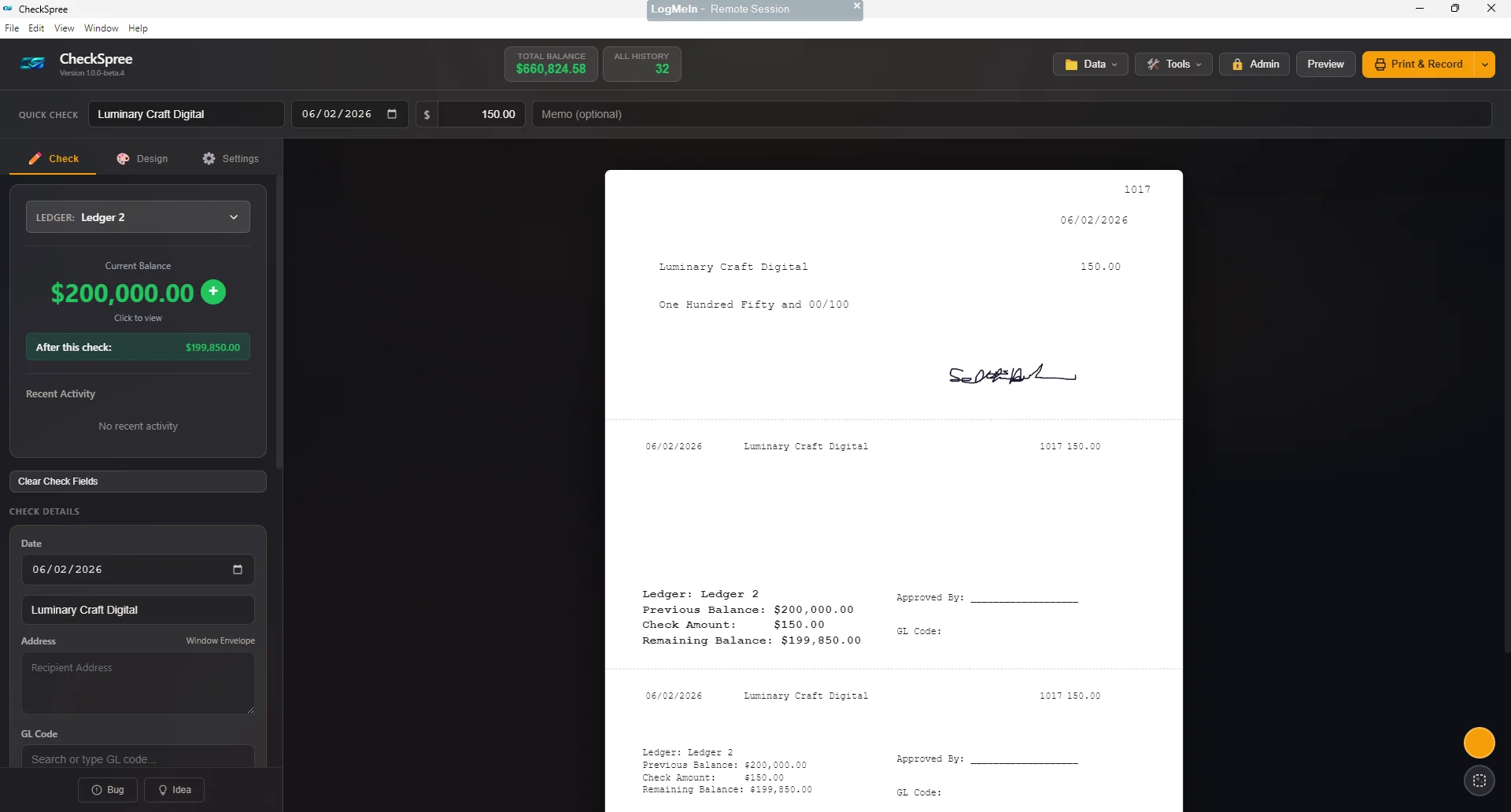
It started with one slow task. Syndicated shows send promos with none of our branding, and each one needs a station tag mixed in with that show's air times. At five promos a show across 10+ shows, that's about 50 files to edit every week. My first fix was an Adobe Audition Favorite I could batch-run, but I still had to check every file, fix the odd ones by hand, and drop them into the radio software myself.
So I built Airchain, a Windows desktop app made end-to-end with Claude Code. It now handles the whole pipeline, from syndicated show files to the on-air automation system:
- Watches local folders or polls FTP/SFTP servers for syndicated shows, with a visual filename-pattern builder
- A configurable audio chain (trim, EQ, compression, EBU R128 loudness) and BWF/CART metadata written to every file
- Hold & release — files are delivered to the automation system at the right time before airdate
- Promo handling with auto-tagging and a waveform editor for one-click approval
- Mission Control calendar, to-do cards for missing or stuck shows, and a diagnose panel that explains why an episode didn't complete
- A weather recorder that builds scripts from NWS forecasts, plus proof-of-airing reports and invoicing
Now: I open the queue that built up while I was out (often days ahead), listen, and approve. Several files take under a minute, and the most consistent promos don't need my approval at all. Airchain holds them and drops them into the automation system right when they're scheduled to air.